Get Paid to Be a Beta Tester: Your Complete Step-by-Step Guide
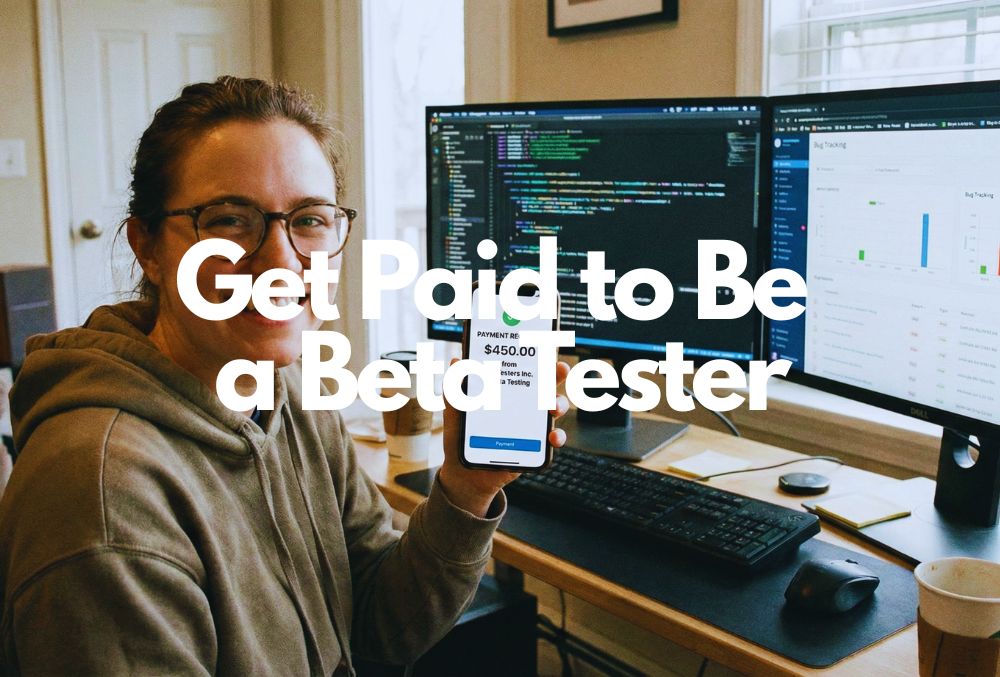
Did you know that you could get paid to be a beta tester? These are people who scan websites, digital products, apps, and more, looking for mistakes. The best part is that you get paid to do this. So how does this work?
To make money with beta testing, you need to sign up for a platform like UserTesting.com or BetaTesting.com. Once signed up, you will complete your profile, complete a brief training, and take a sample test. Once approved, invites will be sent, you will complete the testing, and finally get paid.
So if you’re sitting there wondering whether you can turn your natural talent for finding bugs (or just your excessive screen time) into actual cash, you’re in the right place. I’m going to walk you through exactly how to get paid to be a beta tester, from signing up to cashing out. No fluff, no gimmicks—just the real deal.
What Even Is Beta Testing, and Why Do Companies Pay for It?
Before we dive into the how-to, let’s get clear on what we’re talking about here.
Beta testing is basically the final phase of testing before a product launches publicly. Companies have already done their internal testing, but they need fresh eyes—your eyes—to catch the weird stuff their developers missed. You’re essentially a quality control agent, but instead of standing on an assembly line, you’re lounging on your couch with your laptop.
Companies pay beta testers because finding bugs before launch is way cheaper than dealing with angry customers after launch. A glitchy app gets destroyed in reviews. A confusing website loses sales. So they’d rather pay you $20 to find that broken checkout button now than lose thousands of customers later.
Makes sense, right?
How Much Money Can You Actually Make?
Let’s talk numbers, because that’s probably why you’re here.
The honest answer? It varies wildly. Some beta testing gigs pay $3 per test. Others pay $60 or more for a single session. The sweet spot for most platforms is around $10 to $30 per test, which typically takes 15 to 30 minutes.
Here’s a realistic breakdown:
- Casual side hustle: $50-$200/month (doing a few tests per week)
- Serious side gig: $500-$1,000/month (treating it like a part-time job)
- Full-time income: $2,000+/month (rare, but possible with multiple platforms and consistent work)
The key is diversification. Don’t put all your eggs in one beta testing basket. Sign up for multiple platforms, stay active, and grab opportunities when they pop up. The people making serious money aren’t waiting around—they’re hustling across UserTesting.com, BetaTesting.com, and half a dozen other sites.
Who Can Actually Do This? (Spoiler: Probably You)
Here’s the beautiful part—you don’t need special credentials to get paid to be a beta tester.
Most platforms accept applicants from various countries, though opportunities tend to be more plentiful in the US, Canada, UK, and Australia. You’ll need to be at least 18 years old (some platforms accept 16+ with parental consent), have a decent internet connection, and own a computer or smartphone. That’s basically it.
You don’t need:
- A computer science degree
- Previous testing experience
- Fancy technical skills
- Expensive equipment
You do need:
- Attention to detail
- Good communication skills
- Honest, constructive feedback
- A reliable device and internet
Companies want regular people because regular people are their actual users. They don’t want expert developers testing their stuff—they want someone like you who’s going to use it the way a normal human would.
Step-by-Step: How to Get Started as a Paid Beta Tester
Alright, enough background. Let’s get you signed up and earning.
Step 1: Choose Your Beta Testing Platforms
Don’t just sign up for one site and hope for the best. You want to cast a wide net. Here are the platforms you should prioritize:
UserTesting.com is probably the most well-known platform for paid usability testing. They pay around $10 to $60 per session, and tests typically involve recording your screen while you navigate a website or app and share your thoughts out loud. The approval process can be selective, but once you’re in, opportunities flow pretty regularly.
BetaTesting.com offers a nice variety of app and website testing opportunities, paying $10 to $30 per test. What I like about BetaTesting is that they work with both major brands and startups, so you get diverse projects. The sign-up is straightforward—no complicated approval process.
Other solid options:
- uTest (global community, frequent payments)
- Userfeel ($3-$30 per test, website and app testing)
- TryMyUI ($10+ per test)
- PlaytestCloud (if you’re into gaming)
| Platform | What You Do (Type of Testing) | Typical Pay / Pay Structure* | Pros / Strengths | Trade-offs / Things to Know |
|---|---|---|---|---|
| UserTesting.com | Usability tests: websites/apps/prototypes — speak aloud, record screen & voice, sometimes live interviews. | ~$ 10 for a 20-min test; live interviews can pay much more (some report $30–$120/hr for those) | Well-known; many tests; straightforward setup; relatively steady payments via PayPal. | Not guaranteed regular invites. Some testers report many screeners with no acceptance. |
| BetaTesting.com | Testing frequency can be irregular. Pay depends heavily on the project and complexity. | Varies by project: “easy” tests might pay ~ $15–$30 for ~1.5 hrs; longer/complex projects (weeks–months) offer more. | Beta testing of apps/websites/hardware — early-version testing, feedback, or bug reporting, depending on the project. | Testing frequency can be irregular. Pay depends heavily on the project and complexity. |
| uTest | Functional testing, bug reports, usability testing across apps/websites/devices; depends on skill & thoroughness. | Highly variable — some bug reports earn $3–$20+ per bug; usability or bigger tests might pay $10–$50; active or top testers may earn $500–$1,500/month (or more) | Very flexible; lots of project variety; potential for decent income if you’re active & thorough. | Simple setup, good for quick, short tests; accessible globally; relatively low barrier to entry. |
| Userfeel | Usability testing of websites/apps (record screen + voice), sometimes mobile/web, short feedback sessions. | ~$ 10 per test (typically ~10–20 minutes) | Tests may be inconsistent; low volume of tests, depending on demographics and availability. | Tests may be inconsistent; low volume of tests, depending on demographics and availability. |
| TryMyUI / Trymata | Usability testing of websites/apps — screen + voice recording, then a short survey or feedback questions. | ~ $10 per test (typically 15–20 minutes); more in-depth or longer tests sometimes pay $15–$20 or more. | Easy to get started; straightforward tests; regular payouts (often weekly via PayPal) in many cases. | Fewer tests than usability-testing platforms; invites tend to vanish quickly (first-come, first-served); pay per hour may be lower than expected if tests are irregular. |
| PlaytestCloud | Game testing (mobile games, possibly desktop) — testers play not-yet-released games, record screen & voice, give feedback. | ~$ 9–$13 per session/test (about 15–30 minutes typical) | Great for gamers; fun and more entertaining than standard usability tests; flexible schedule; remote work. (Swift Salary) | Fewer tests than usability-testing platforms; invites tend to vanish quickly (first-come, first-served); pay per hour may be lower than expected if tests are irregular. |
Step 2: Sign Up and Complete Your Profile
Here’s where most people mess up—they rush through the sign-up and wonder why they never get selected for tests.
When you register on platforms like BetaTesting.com or UserTesting, fill out your profile completely. I mean completely. List your devices, your demographics, your interests, everything they ask for. Companies filter testers based on specific criteria, so the more complete your profile, the more opportunities you’ll match with.
Pro Tip: Don’t lie on your profile just to match more tests. If you say you own an iPhone 15 but actually have an iPhone 11, you’ll get caught when the test requires specific features. Honesty keeps you in good standing.
Step 3: Take the Sample Test (And Don’t Rush It)
Most platforms require a sample test before you can access paid opportunities. This is your audition. Take it seriously.
For UserTesting, you’ll need to record yourself completing a task while thinking out loud. Speak clearly, be thorough, and demonstrate that you can give useful feedback. Don’t just say “this button doesn’t work”—explain why it’s confusing, what you expected to happen, and how it could be better.
Pro Tip: The sample test determines whether you get approved, so treat it like a job interview. Find a quiet space, use a good microphone, and show them you’re worth paying.
Step 4: Set Up Your Equipment
You don’t need a professional studio, but you do need the basics:
- For website/app testing: A reliable computer or smartphone, stable internet (at least 3 Mbps), and a decent microphone if you’ll be recording audio feedback
- For mobile app testing: Make sure your device OS is up to date
- Recording software: Some platforms have built-in tools; others might require you to download screen recording software

Step 5: Apply for Tests and Be Quick
This is crucial: When a test opportunity comes through, jump on it fast. Popular tests fill up within minutes, especially high-paying ones.
Enable notifications for your beta testing apps so you get pinged immediately. Keep your devices charged and ready. The early bird genuinely gets the worm in this game.
One thing I forget to do is turn my phone off silent mode. I did this once and missed a pretty good opportunity.
Step 6: Complete Tests Thoroughly
When you land a test, do it right. Read the instructions carefully, test every feature they ask you to, and provide detailed, honest feedback.
What companies want to know:
- Did the feature work as expected?
- Was anything confusing or frustrating?
- Did you encounter any bugs or errors?
- How would you improve the experience?
Write clear bug reports. If something breaks, explain exactly what you did right before it broke. Screenshots and screen recordings are your friends here.
Step 7: Get Paid
Payment methods vary by platform, but most offer:
- PayPal (most common)
- Direct deposit (less common)
- Gift cards (some platforms)
Payments typically arrive anywhere from a few days to a few weeks after completing a test, depending on the platform. UserTesting pays within 7 days. BetaTesting usually processes payments within two weeks. Always check each platform’s specific payment schedule.
The Real Talk: Is Beta Testing Actually Legitimate and Safe?
I get why you’re skeptical. The internet is full of scams promising easy money.
But yes, beta testing is legitimate. Real companies with real products need real testers. I’m talking about brands like Google, Microsoft, and Amazon, alongside thousands of startups and mid-size companies.
The red flags to watch out for:
- Any site asking you to pay to join (legit platforms are always free)
- Promises of guaranteed income
- Requests for sensitive information beyond basic demographics
- Tests that seem suspiciously easy for high pay
Stick with established platforms like UserTesting.com, BetaTesting.com, uTest, and the others I’ve mentioned, and you’ll be fine. These companies have been around for years with solid reputations.
How to Increase Your Chances of Getting Accepted for Tests
Getting selected for paid beta testing opportunities is partly luck, partly strategy.
Update your profile regularly. As you acquire new devices or software, add them to your profile. More devices = more test opportunities.
Check for tests multiple times daily. Especially during business hours in your region. Set calendar reminders if you have to.
Build your reputation. Complete every test you accept. Submit detailed, useful feedback. Platforms track your performance, and reliable testers get priority access to better-paying opportunities.
Join multiple platforms. This can’t be stressed enough. One platform might have slow periods while another is booming. Diversification is your safety net.
Be honest but tactful. Companies want constructive criticism, not savage roasts. Frame negative feedback as opportunities for improvement.
What Types of Products Will You Actually Be Testing?
The variety is pretty wild, honestly.
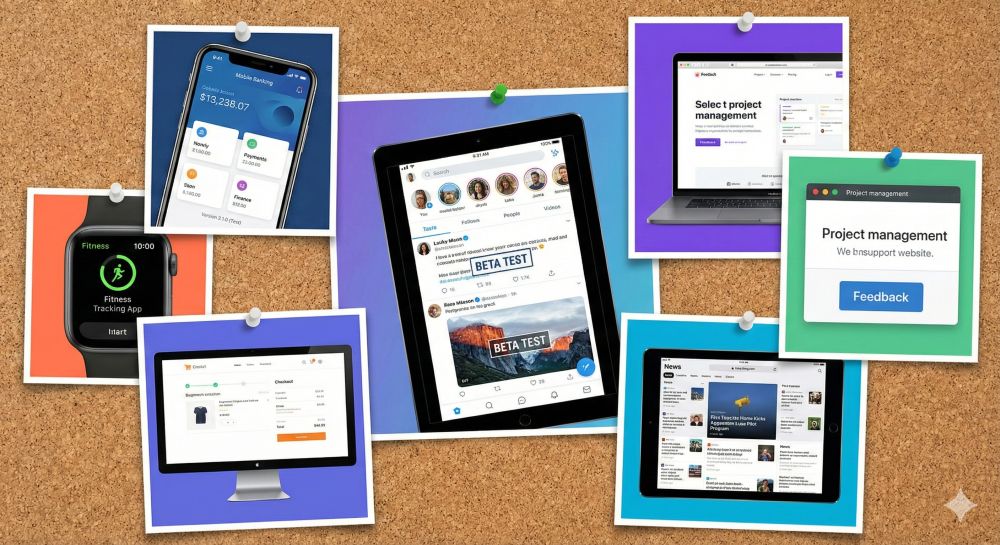
You might test a banking app one day, a video game the next, and a recipe website after that. E-commerce sites are huge—companies constantly test their checkout flows and product pages. Social media apps, productivity tools, healthcare platforms, educational software… if it exists online, someone’s probably paying to have it tested.
Mobile app beta testing is especially popular right now. With billions of smartphone users worldwide, companies are desperate to make sure their apps don’t crash or confuse users.
Frequently Asked Questions (Because I Know You’re Still Wondering)
Do I need to pay to join any beta testing sites?
Absolutely not. Never pay to become a beta tester. Legitimate platforms like BetaTesting.com and UserTesting are completely free to join. If someone’s asking for your credit card, run.
How are beta testers chosen for paid tests?
It depends on the project requirements. Companies specify what they need—maybe iPhone users aged 25-34 who shop online frequently. The platform’s algorithm matches available testers to those criteria. The more complete your profile, the better your matching odds.
What devices and equipment do I need?
At a minimum, you need a smartphone or computer with internet access. Many tests specify device requirements, so having multiple devices (PC, Mac, iPhone, Android) opens up more opportunities. A working microphone is essential for tests that require verbal feedback.
When do I get paid after completing a test?
Payment timelines vary by platform. UserTesting typically pays within 7 days via PayPal. BetaTesting processes payments within two weeks. Some platforms hold payments until you reach a minimum threshold (usually $10-$20).
How often will I receive beta testing opportunities?
This varies wildly based on your profile, location, and how many platforms you’re active on. You might get several opportunities per week on some platforms and nothing for weeks on others. That’s why joining multiple sites is crucial—it evens out the inconsistency.
What’s expected of me during a beta test?
You’ll need to follow specific instructions, test designated features, provide honest feedback, report any bugs you find, and sometimes complete surveys or questionnaires. Some tests want you to record your screen and narrate your thoughts. Others just want written reports.
How do I improve my chances of getting accepted for tests?
Complete your profile thoroughly, respond quickly to test invitations, maintain a high completion rate, provide detailed and thoughtful feedback, stay active on the platforms, and diversify across multiple sites. Building a good reputation takes time but pays off.
The Bottom Line: Is Getting Paid to Be a Beta Tester Worth It?
Here’s my honest take after walking you through all of this.
If you’re expecting to quit your day job and make six figures beta testing, pump the brakes. That’s not realistic for most people. But if you want a flexible side hustle that lets you earn a few hundred bucks a month in your spare time? Yeah, beta testing is absolutely worth it.
It’s perfect for:
- Students looking for beer money
- Stay-at-home parents with sporadic free time
- Night owls who are on their devices anyway
- Anyone who wants a location-independent income
The best part? You get to test cool new products before the general public, your feedback actually influences real products, and you can work in your pajamas at 2 AM if you want. There’s no commute, no boss breathing down your neck, no complicated requirements.
Here’s your action plan: Sign up for UserTesting.com and BetaTesting.com today. Like, right now. Complete your profiles fully, take the sample tests seriously, and start applying for opportunities. Add uTest and Userfeel to the mix next week. Check your accounts daily, respond quickly, and deliver quality work.
Give it a solid month of consistent effort. If you’re not seeing results after 30 days of active participation across multiple platforms, reassess. But I’d bet money that if you follow this guide, you’ll land your first paid test within a week or two.
The opportunity is sitting right there. Companies need testers. You need money. Seems like a pretty good match to me.
Now stop reading and go sign up for something. Your first payment is waiting.
Ready to start earning? Head over to UserTesting.com and BetaTesting.com to create your free accounts today. The sooner you start, the sooner you’ll be cashing out those first payments. And hey, if you find an amazing beta test opportunity, don’t blame me when you get addicted to this side hustle.